Web Scrapping using Beautiful Soup
Data Source: World Population dataset
Libraries and Packages: BeautifulSoup, Pandas
Steps
Objective
: To extract dataset from a webpage (open source)1. Importing the libraries
2. Webscrapping
3. Storing the extracted data
1.importing the Libraries
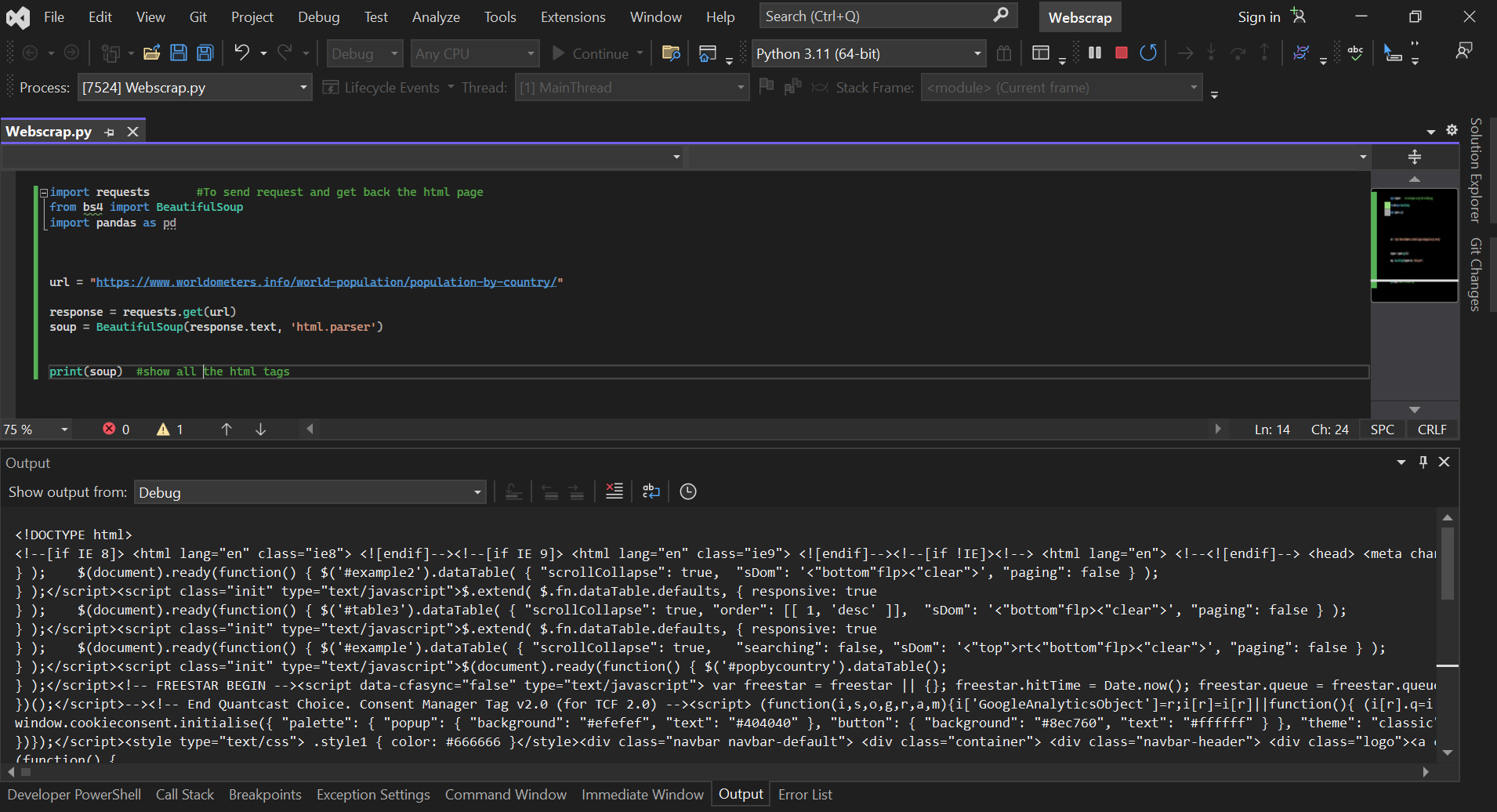
The first process begins by importing BeautifulSoup and the Pandas library after the pip install(if needed) as well as the requests to send request and get back the Html page.
2. WebScrapping
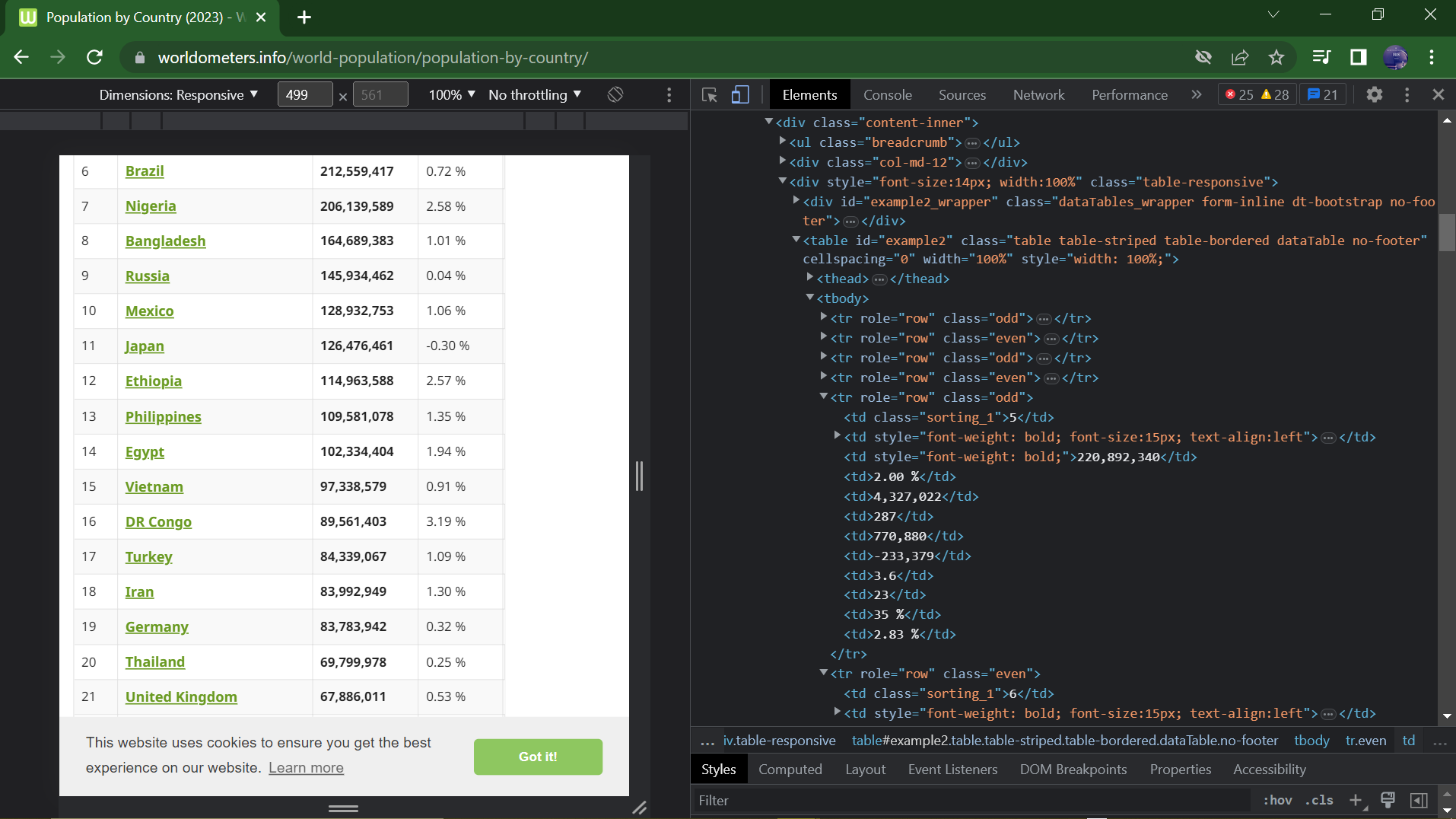
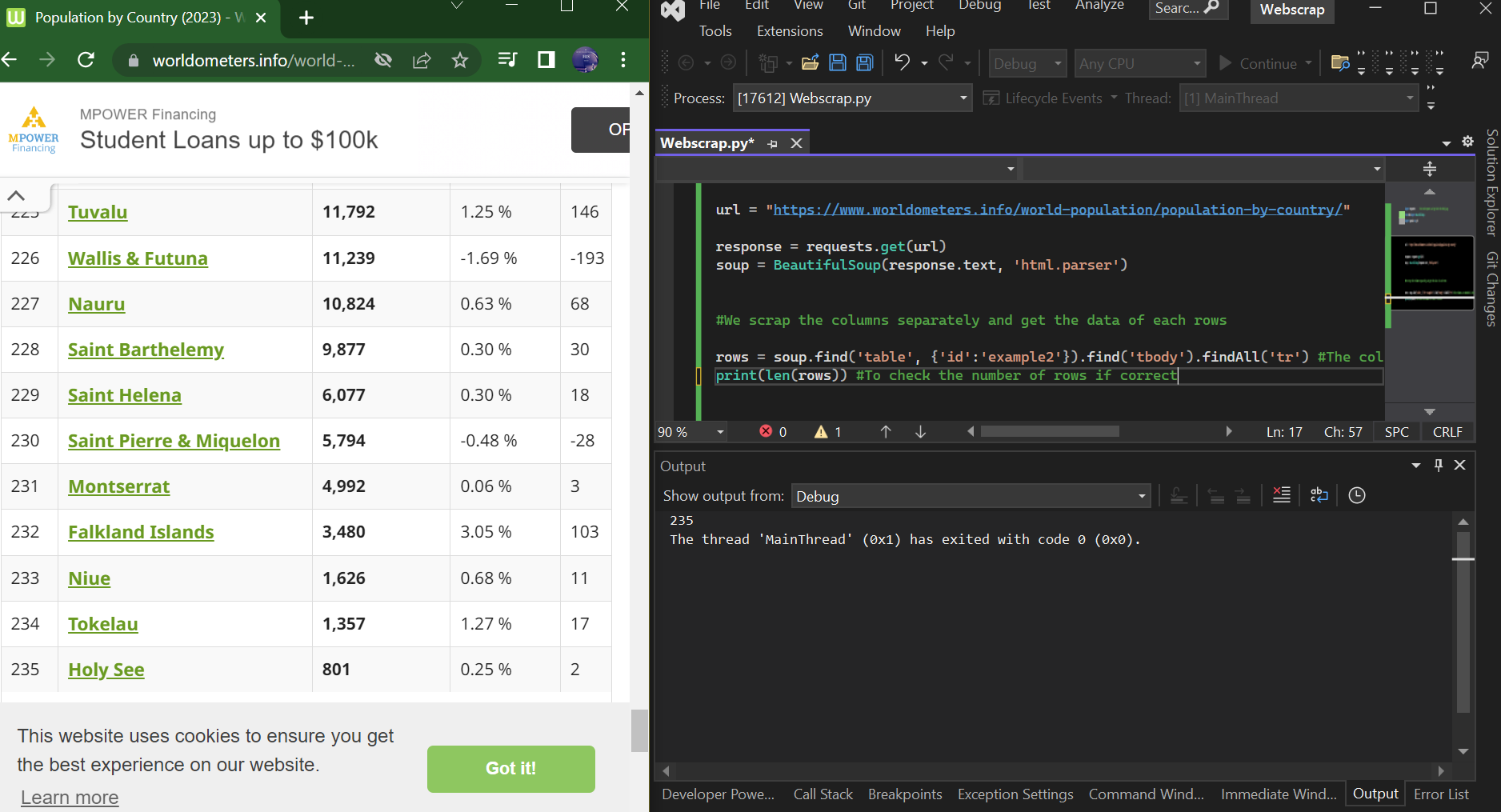
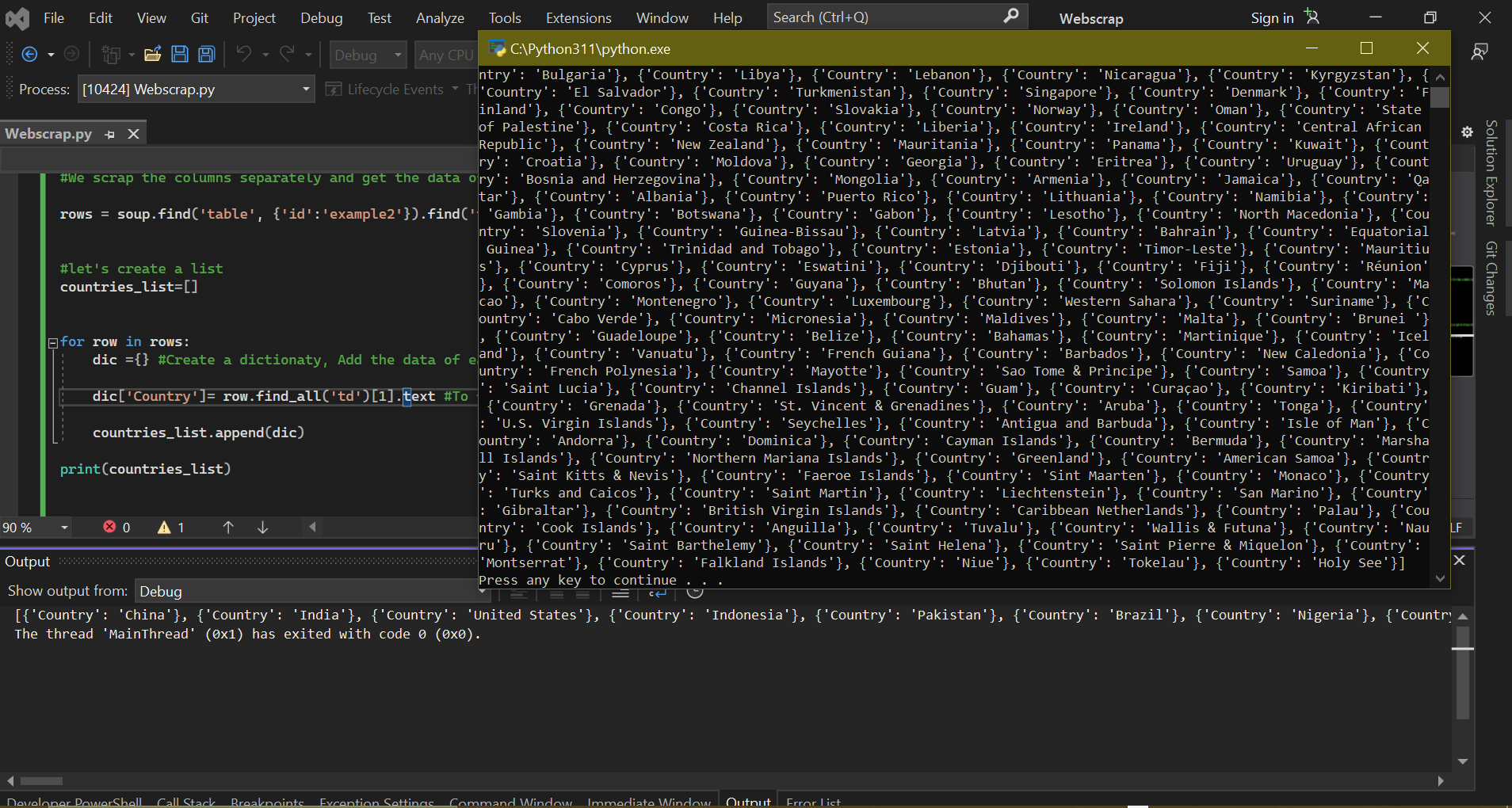 In doing this, all the data scrapped will be assigned to a dictionary ready to be converted into a dataframe
3. Storing the extracted data
The data in the dictionary can now be saved by conveting it into a dataframe using the Pandas library.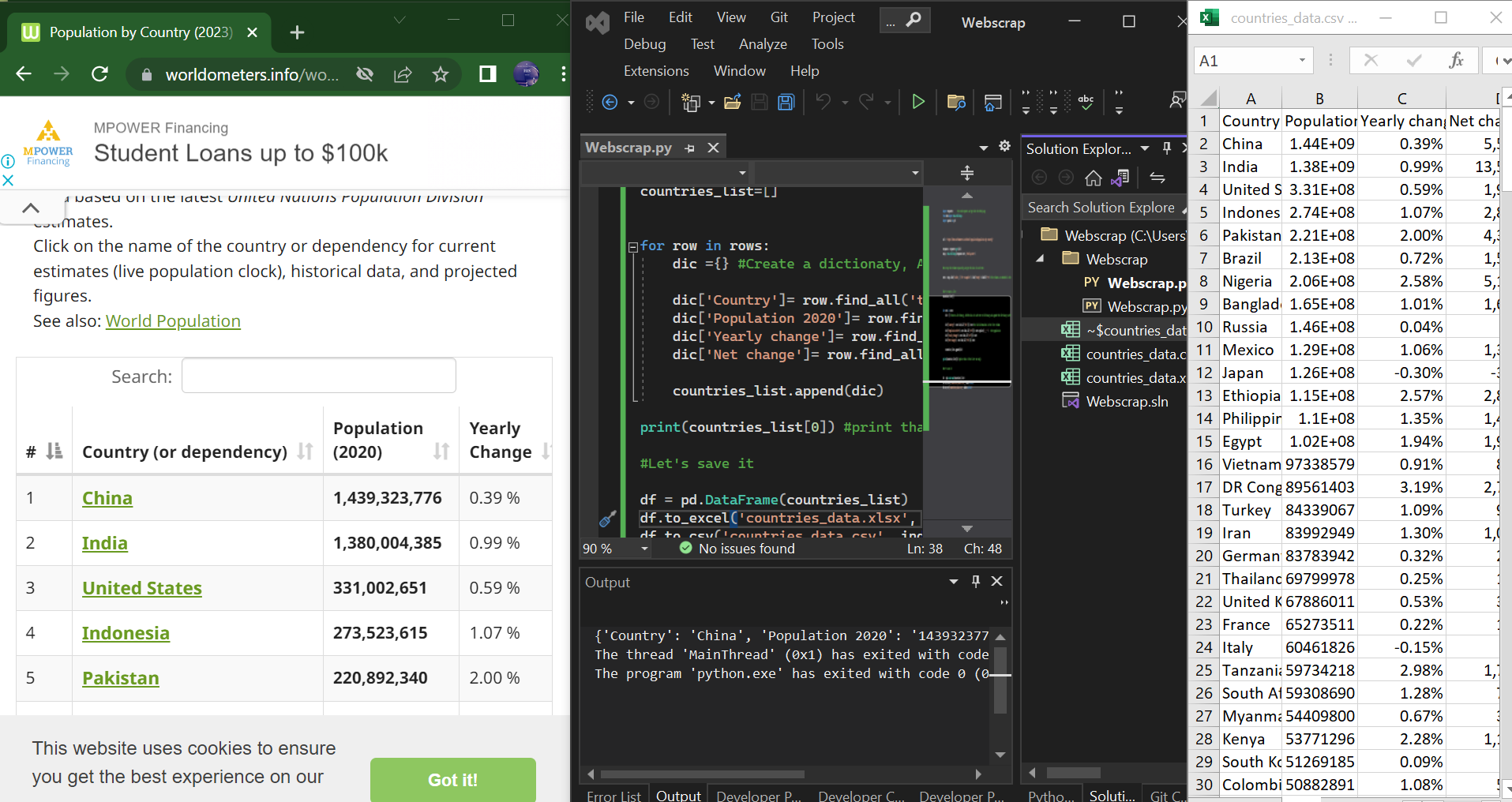 The data have now been saved and can be opened in csv or xlsx format using the MS-Excel as shown above.